Introduction to the Procorem File Explorer
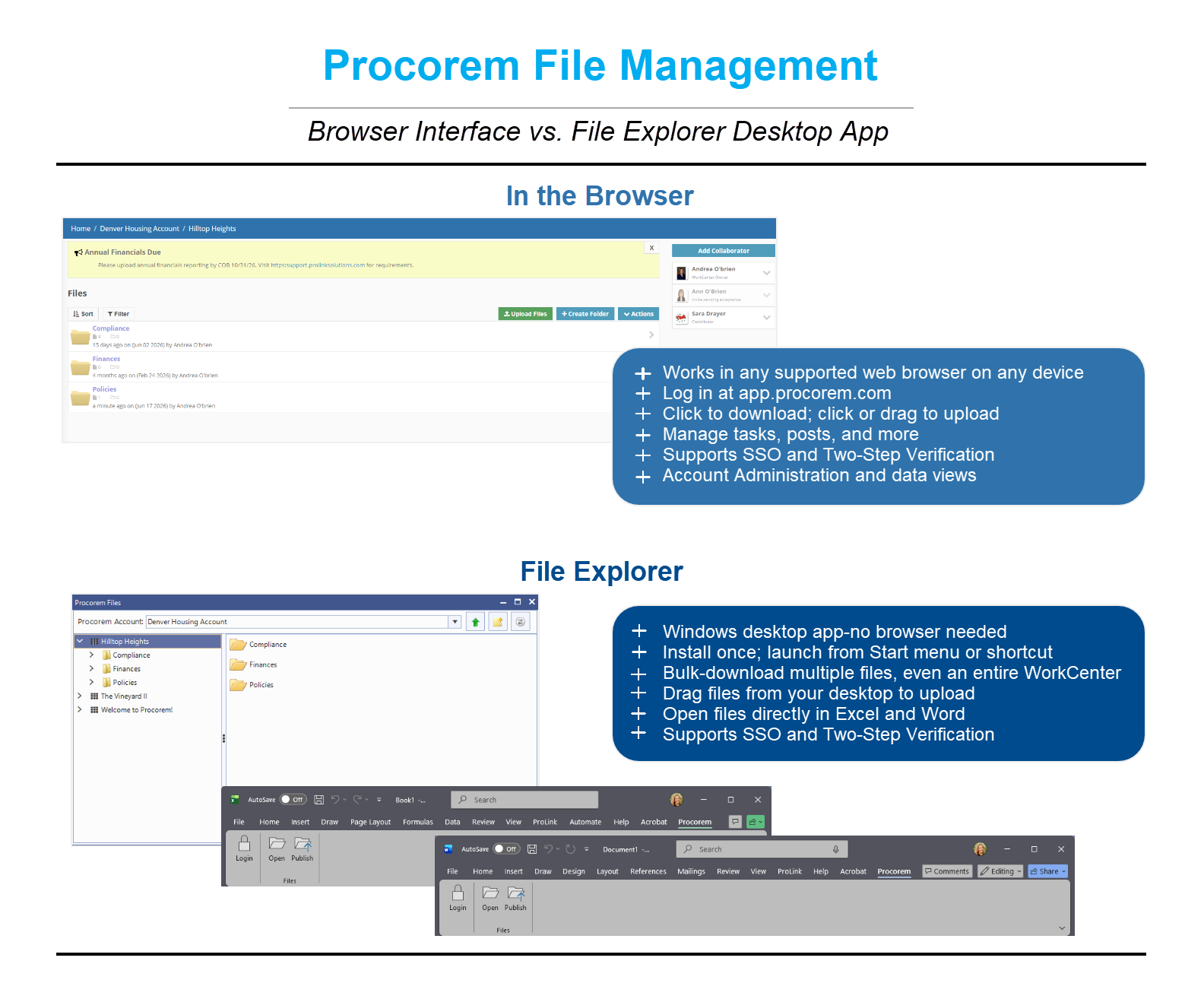
The Procorem File Explorer is a Windows desktop application that lets you access and manage your Procorem files directly from your computer, without opening a web browser. Once installed, you can browse WorkCenter folders, upload and download files, and open documents directly in applications like Microsoft Word or Excel—the same way you work with files on a shared network drive. In addition, the File Explorer provides the ability to download multiple files at one time. The installation also includes a Procorem add-in to Microsoft Excel and Word, enabling you to connect to your Procorem accounts and work on files directly from within those applications.
Note
Deactivated accounts and archived WorkCenters are hidden from the Procorem File Explorer.
File activity performed through the Procorem File Explorer is tracked and recorded in Procorem similar to activity performed in the browser. Uploads and downloads appear in the WorkCenter activity feed and audit history.
With the Procorem File Explorer, you have access to limited file management functionality. For the full potential of Procorem, including tasks, posts, account administration, and more, you should use the web browser.